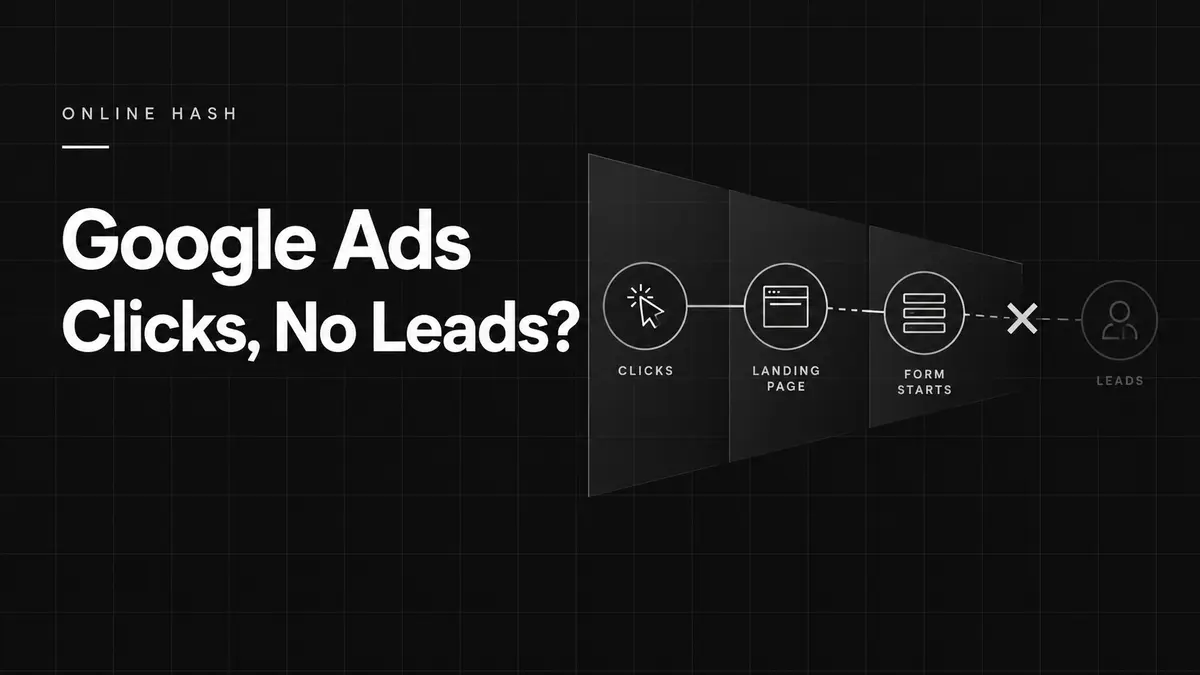
Google Ads clicks but no leads? The problem is usually traffic quality, the offer, the landing page or conversion tracking.
Short answer: clicks without leads usually mean the campaign is attracting the wrong searches, the offer is unclear, the landing page creates friction or conversion tracking is incomplete. More traffic will not fix those problems by itself.
1. Your keywords are too broad
Broad targeting can show ads for searches that are related to your topic but unlikely to become customers. Review the search terms report, add negative keywords and focus on phrases that show clear buying intent.
2. The ad promise and landing page do not match
If an ad promotes one service but sends people to a general homepage, visitors must work too hard to find the information they expected. Use a focused page with a matching headline, relevant proof and one clear next step.
3. Your offer is not clear enough
A visitor should quickly understand what you provide, who it is for and why they should choose you. Explain the outcome, service area, process and any genuine point of difference. Avoid vague claims.
4. The website creates friction
Slow loading, poor mobile layout, long forms and hidden contact details can lose potential enquiries. A lead-focused website should have:
- A clear headline and call to action.
- Fast mobile performance.
- Short forms asking only for necessary details.
- Trust signals such as reviews, examples or a clear process.
- Easy-to-use phone and contact options.
5. Conversion tracking is missing or inaccurate
You may be receiving calls or forms that are not recorded, or counting actions that are not genuine leads. Track meaningful outcomes through Google Ads and Google Analytics, then test each conversion action.
6. Location, device or timing is wrong
Check where conversions and wasted clicks occur. Exclude areas you do not serve, review device performance and schedule ads when you can respond. Avoid making large decisions from very small samples.
A practical diagnostic checklist
- Test every form, phone link and purchase action.
- Review actual search terms—not only selected keywords.
- Compare the ad message with the landing page.
- Check mobile speed and usability.
- Measure qualified leads and sales by campaign.
- Change one major variable at a time and document the result.
Google’s official campaign optimisation guidance also recommends using conversion tracking and relevant ads to improve results.
Frequently asked questions
How many clicks should produce a lead?
There is no universal number. Intent, industry, price, offer and website quality all influence conversion rate.
Should I pause a campaign with no leads?
First confirm tracking works and review search quality. If spend is significant and traffic is clearly irrelevant or the page is broken, pausing while you fix the cause may be sensible.
Are more keywords better?
Usually not. A focused set of relevant keywords with clear ads and landing pages is easier to control and improve.
Turn clicks into business outcomes
I provide hands-on Google Ads management, including tracking, search-term reviews, optimisation and clear reporting focused on qualified leads or sales. Let’s review your campaign.